Patrick Proctor was here
 Resolving CoreData error in iPhone Simulator
I was working on an iPhone application in Xcode. It was the default CoreData table view application. When I tried to build and go, I got and error that told me the model used to access my database was incompatible with the model used to create it.
The error included this bit:
reason = “The model used to open the store is incompatible with the one used to create the store”;
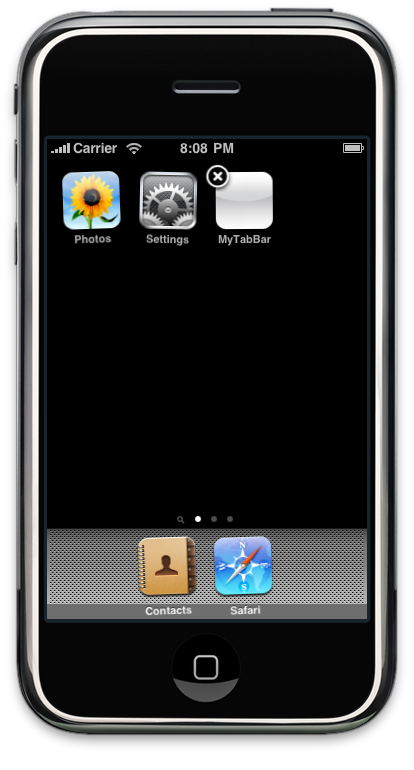
Thanks to some quick, Google-powered research, I was able to find the answer. Every time that you make any data model changes to an iPhone application in development, you need to delete the application from the iPhone simulator or physical device before trying to build the application. When you delete an application on either platform, you delete all of the data associated with it, including the database that uses a now-obsolete data model, which causes Xcode to throw an error.
I am still a rookie software developer, and I have found that Google is not just for finding people with the same name as you. It can be a big help in finding resources and quick solutions. No matter what development issue that you may be having, chances are that someone else has already dealt with it and shared their experience.